Index
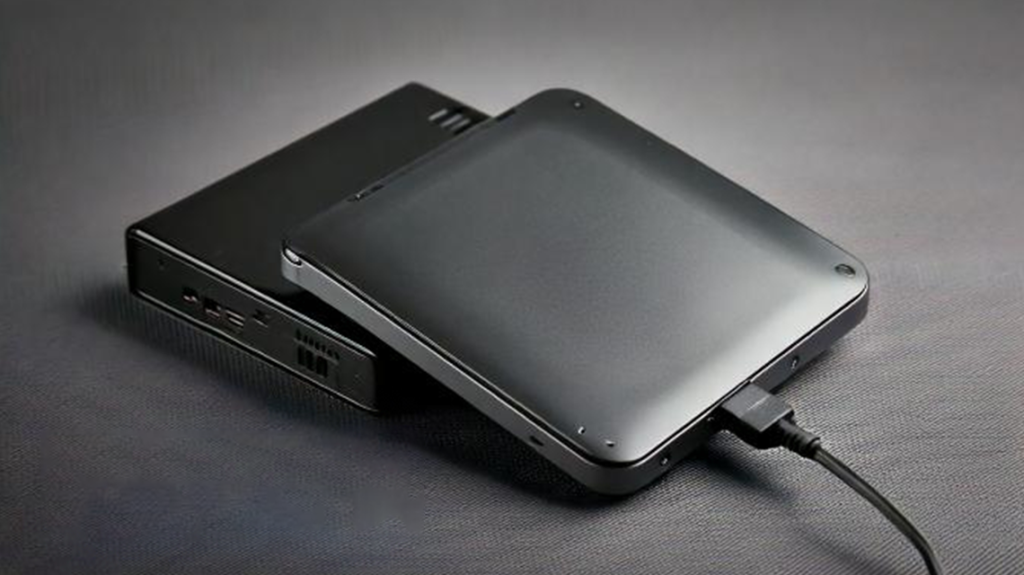
How to Format an External Hard Disk
Steps to Format:
- Connect the External Hard Disk: Plug the hard drive into your computer’s USB port and ensure it’s detected.
- Open Disk Management (Windows):
- Press
Win + Xand select Disk Management. - Locate your external drive from the list.
- Press
- Choose the Format Option: Right-click on the external drive and select Format. Pick a file system, assign a volume label, and check the Quick Format box if desired.
- Complete the Process: Click OK to start formatting. Once complete, your external hard drive is ready for use.
Tip: For Mac users, use the Disk Utility tool, select the drive, and click Erase to format it.
Why Formatting Is Not Secure
Although formatting removes visible data, it doesn’t truly erase the underlying data. Formatted data can often be recovered using specialized recovery software, presenting a significant security risk if you’re replacing or disposing of an external hard drive.
How Data Can Be Recovered:
- Quick Format: Only removes file references, leaving the actual data intact.
- Full Format: Overwrites some data but is still not foolproof.
If you’re concerned about sensitive information falling into the wrong hands, formatting alone isn’t sufficient.
Secure Data Erasure: The Ultimate Solution
For complete peace of mind, professional data erasure tools are essential. These tools ensure that all traces of your data are permanently wiped, making recovery impossible.
U-Reach Data Wiping Solutions
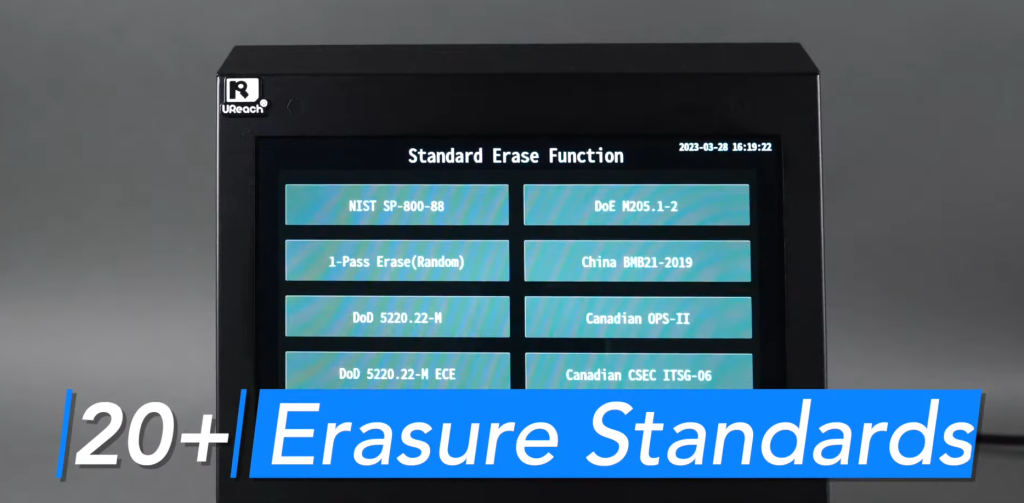
U-Reach offers cutting-edge data erasure tools like the NUS02D and SPU201G, designed for secure and efficient hard disk wiping. Key features include:
- Multiple Erasure Modes: Options like DoD 5220.22-M and Secure Erase for varying levels of security.
- Compatibility: Supports various hard disk types, including SSDs and traditional HDDs.
- Certification Compliance: Meets international data protection standards such as NAID AAA.

- Learn more about ISO27001
Find out more in the following article:Latest version of iso 27001 Malaysia:Achieving the New Standards
- Learn more about NAID AAA
Find out more in the following article:Want to Boost Client Trust? Get NAID AAA Certification for Data Security
Why Choose U-Reach?
Why Choose U-Reach?
Using a U-Reach hard drive eraser ensures:
- Complete Data Removal: Eliminates any chance of recovery.
- Fast Performance: Save time with high-speed erasure processes.
- Easy Operation: User-friendly interfaces make it simple for individuals and businesses alike.
- How to choose a Hard Drive Eraser?
Find out more in the following article:Top 5 Disk Cleaners Recommend: Best Way to Safeguard Data
Q&A Section
Q&A Section
Q: Why is certified data erasure important?
A: Certified data erasure ensures that sensitive data is permanently removed, preventing any possibility of recovery and meeting compliance standards like ISO27001.
Q: Can erased hard drives be reused?
A: Yes, certified data erasure machines make hard drives safe for reuse or resale by overwriting all existing data.
With over 20 years of experience, U-Reach Inc. specializes in high-speed, stable data solutions, including duplication, inspection, and data-erasing equipment for Flash, HDD, and M.2 PCI-E SSDs.
U-Reach Malaysia (Fobedo Group Sdn. Bhd.) was established in Kuala Lumper in 2024 as a local branch, expanding services across South East Asia. U-Reach is a trusted global brand, used by leading companies in industries such as semiconductor IC design, government, military, medical, and data center.
With 8 branches worldwide, U-Reach offers comprehensive technical support and real-time service to meet the needs of local and multinational businesses.
Click here to contact our hard disk cloning professional consultants immediately!

Check out our full series of Eraser: Full Series Data Eraser
Check out our M.2 NVMe series of Eraser: M.2 NVMe Series SSD Eraser
UReach-Malaysia official website: https://ureach.com.my/
E-mail: info@ureach.com.my
Fastest DoD 5220.22 Data Wiper Machine: Secure & Certified
Index Understanding DoD 5220.22-M: The Legacy Standard for Secure Data Sanitization What is DoD 5220.22-M Standard Why DoD 5220.22-M Still Matters Today DoD 5220.22-M Erasure Standard On SSDs Scenario The
SSD Cloner: Best 2026 Standalone Data Duplicator (No PC)
SSD Cloner: Best 2026 Standalone Data Duplicator (No PC) Index Introduction What Is an SSD Cloner?An SSD cloner is a device that creates an exact copy of one SSD to
Absolute Data Destruction: 100% Unrecoverable Certified Wipe
Index Introduction Data Recovery Inspection Process and Result Final Verification of Data Recovery Conclusion Introduction In the modern corporate landscape, enterprise data is the most valuable asset a company owns—and
M.2 Docking vs Professional M.2 Duplicator | Faster & Safer Data Copy
Index Introduction UReach SP101M vs Generic M.2 Docking Station: A Professional Comparison Comparison Table Conclusion Introduction Among different type of M.2 docking, both professional duplicator and a generic docking station
Perfectly Clone Raspberry Pi: Flawless Copies via SD312NM
IndexIssues faced when clone Raspberry Pi OSBrief introduction: Raspberry PiSolution: UReach SD/MicroSD Card SD312NM DuplicatorConclusion Issues faced when clone Raspberry Pi OS Are you struggling to clone Raspberry Pi OS
-
Fastest DoD 5220.22 Data Wiper Machine: Secure & Certified -
SSD Cloner: Best 2026 Standalone Data Duplicator (No PC) -
Absolute Data Destruction: 100% Unrecoverable Certified Wipe -
M.2 Docking vs Professional M.2 Duplicator | Faster & Safer Data Copy -
Perfectly Clone Raspberry Pi: Flawless Copies via SD312NM