Issues faced when clone Raspberry Pi OS
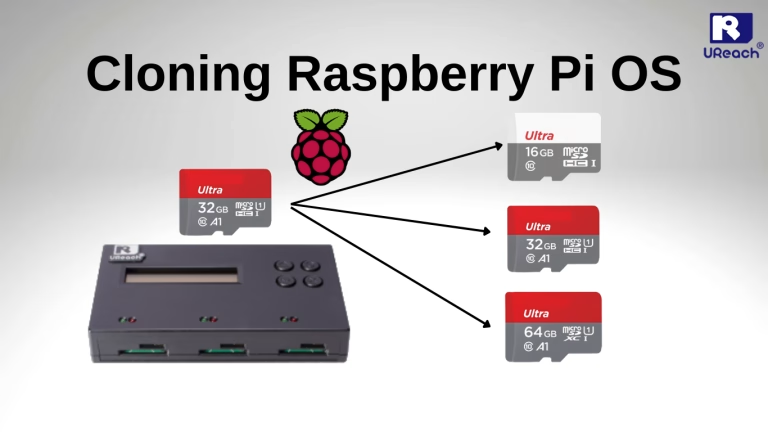
Are you struggling to clone Raspberry Pi OS onto a new disk while doing disk migration? It can be a major headache when copied system data isn’t identical to the original, or when you’re facing a tight deadline and still have a mountain of disks left to flash. Manually copying a master OS one by one is rarely efficient when time is of the essence.
Brief introduction: Raspberry Pi

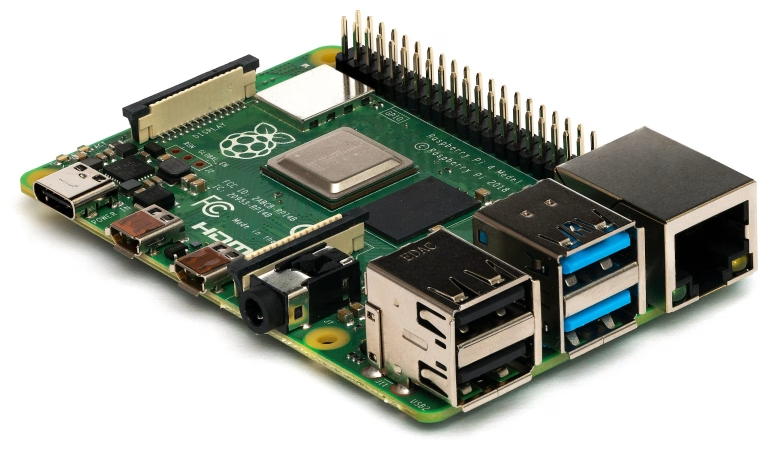
The Raspberry Pi is a celebrated staple among DIY electronics enthusiasts and computer hobbyists. It is essentially a fully functional computer shrunk down to the size of a palm. Despite its small stature, it features a specialized motherboard equipped with a CPU, RAM, power input, USB and HDMI ports, and—most importantly—GPIO (General Purpose Input/Output) pins for hardware hacking.
The Pi’s versatility allows it to power a massive range of projects, including:
IoT Devices and Home Automation
Retro-gaming Consoles (like RetroPie)
Media Centers and Entertainment Systems
Lightweight Desktop Computing
The backbone of these projects is Raspberry Pi OS, the official operating system designed specifically for the hardware. Unlike the resource-heavy Windows OS found on most consumer PCs, Raspberry Pi OS is a Unix-like system based on Debian (a Linux distribution).
Because the Raspberry Pi is often used for specific, efficient tasks, it utilizes the ext4 file system rather than the NTFS or FAT32 formats common in Windows. A standard Windows installation is simply too massive and demanding for the Pi’s compact architecture; Raspberry Pi OS provides the lightweight, flexible environment necessary to make these DIY projects possible.
Solution: UReach SD/MicroSD Card SD312NM Duplicator

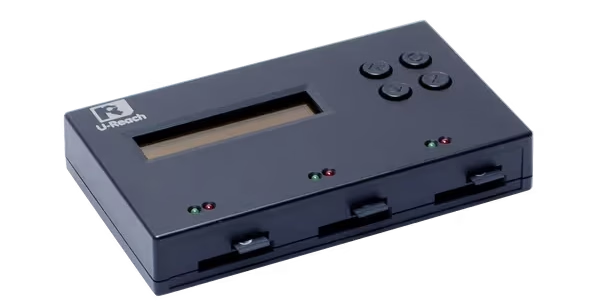
The SD312NM is a dedicated 1-to-2 SD/microSD card duplicator designed for efficiency and reliability while clone Raspberry Pi OS. As a standalone device, it operates without a PC, completely eliminating the risk of virus cross-contamination during the cloning process.
With a transfer rate of 1.5GB/min (25MB/sec) per port, the SD312NM consistently outperforms standard Raspberry Pi cloning methods. While cloning on the Pi itself is often throttled by CPU/RAM overhead and USB bus limitations, this duplicator provides dedicated hardware bandwidth for every card.
Key Features:
Smart “Quick Copy”: Specifically supports the ext4 file system used by Raspberry Pi OS. It copies only the actual data, skipping empty sectors to save significant time.
Bit-by-Bit Comparison: For mission-critical projects, the device performs a bit-for-bit verification to ensure target disks are 100% identical to the source.
Simultaneous Duplication: Flash up to two target cards at once with no loss in speed.
Beyond clone Raspberry Pi, the SD312NM serves as a comprehensive media management tool:
| Feature | Capabilities |
| Sanitization | 3 Erasure modes: Quick Erase, Full Erase (NIST Clear), and DoD Erase (Department of Defense standard). |
| Health Check | Built-in H3, H5, and H6 testing modes to verify media quality and actual Read/Write speeds. |
| Portability | Lightweight, compact design built for field work or flexible office setups. |
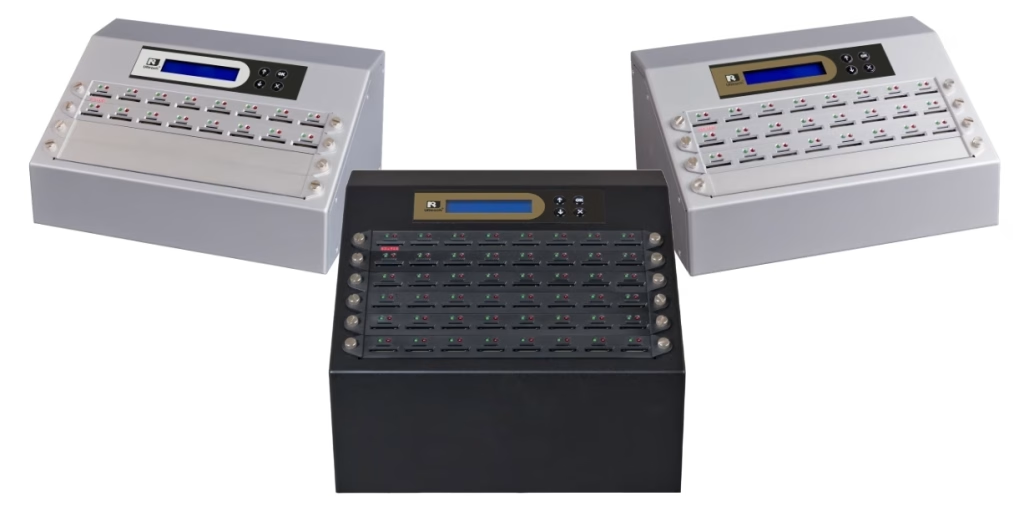
If your workflow requires higher volume, we offer a full series of SD card duplicators featuring more ports and enterprise-grade speeds with categories of SD3.0 or SD2.0 SD/MicroSD card duplicator.

Conclusion
While the Raspberry Pi includes built-in cloning utilities, the process is heavily dependent on the quality of external USB adapters and the Pi’s own hardware overhead. This often results in significantly longer copy times. Furthermore, system-level issues—such as CPU throttling, heavy background tasks, or power fluctuations—can lead to corrupted clones or total process failure.
Our SD card duplicator removes these variables entirely. By providing a stable, dedicated hardware environment, it eliminates common hardware bottlenecks and power-related errors, giving you peace of mind and a truly professional, bit-perfect copy every time clone Raspberry Pi OS.
If you like to learn more about step by step clone SD/microSD card using our duplicator, feel free to refer the link below:
Unlocking the Secrets of Efficient SD Card Cloner: A Step-by-Step Guide
With over 20 years of experience, U-Reach Inc. specializes in high-speed, stable data solutions, including duplication, inspection, and data-erasing equipment for Flash, HDD, and M.2 PCI-E SSDs.
U-Reach Malaysia (Fobedo Group Sdn. Bhd.) was established in Kuala Lumpur in 2024 as a local branch, expanding services across South East Asia. U-Reach is a trusted global brand, used by leading companies in industries such as semiconductor IC design, government, military, medical, and data center.
With 8 branches worldwide, U-Reach offers comprehensive technical support and real-time service to meet the needs of local and multinational businesses.
Click here to contact our hard disk cloning professional consultants immediately!

Check out our full series of Eraser: Full Series Data Eraser
Check out our M.2 NVMe series of Eraser: M.2 NVMe Series SSD Eraser
UReach-Malaysia official website: https://ureach.com.my/
E-mail: info@ureach.com.my
